
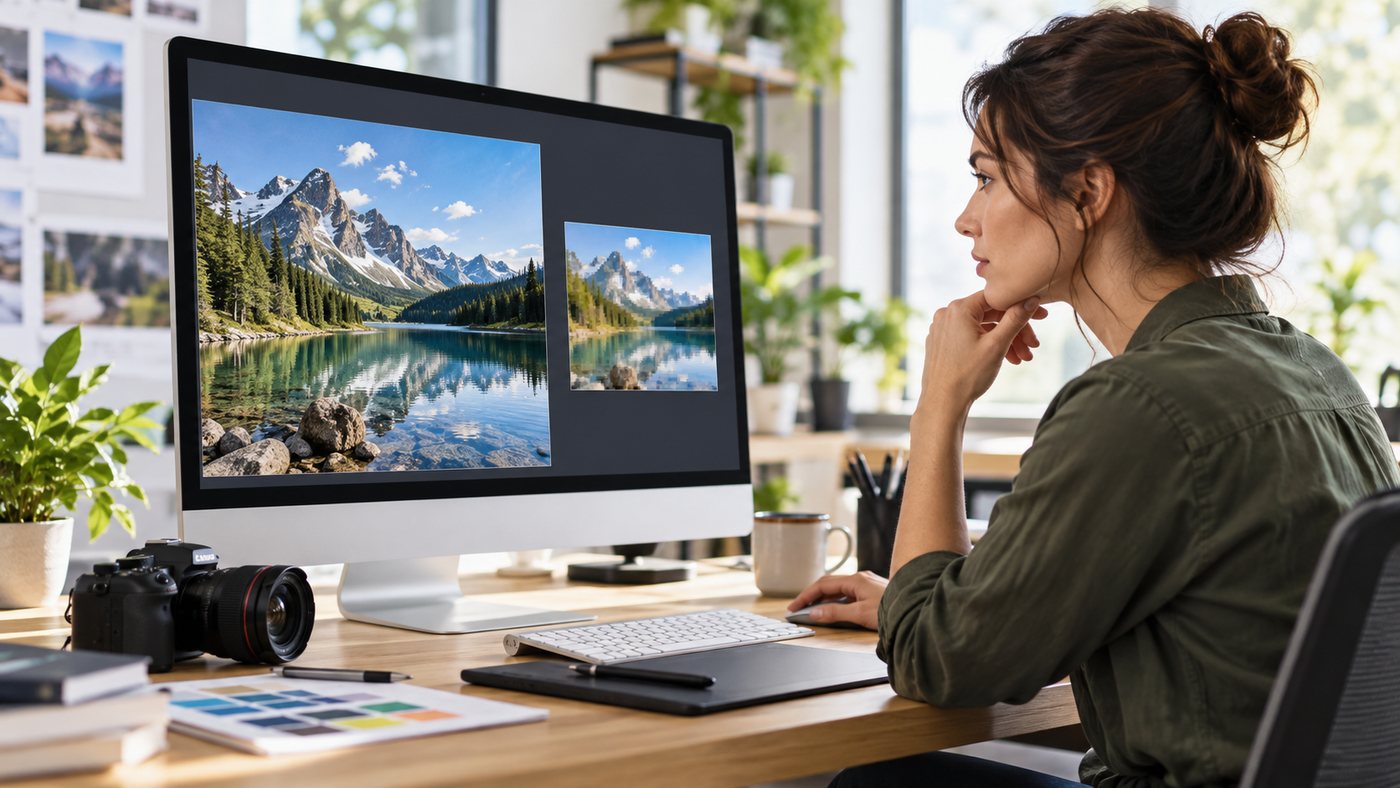
A good photograph helps explain a product, but an oversized file can delay its appearance. Start with one page: open it on a phone, try a slower connection and note what visitors need to see first. Avoid changing an entire site without a baseline. PREPARE THE RIGHT SIZE Keep the original separately and export a version suited to the actual content area. Compare file size and visual quality after compression. Inspect logo details, contrast and legibility. Multiple display sizes can use separate image variants with consistent proportions. DO NOT DELAY THE MAIN PHOTO Google web.dev advises against lazy loading images that should appear immediately, particularly an LCP image. Consider deferring images farther down the page instead. Not every main photograph is necessarily the LCP element: inspect measurements for your page. CHECK THE RESULT Compare before and after under the same conditions. Does the key image appear sooner? Is it cropped correctly on mobile? Does its alternative text describe the content? Retain a backup and check the published page. Optimisation should preserve meaning and usability rather than simply reduce kilobytes. Source: https://web.dev/articles/browser-level-image-lazy-loading Explore the DomainEvery catalogue for your next project. https://domainevery.com/en/domains