
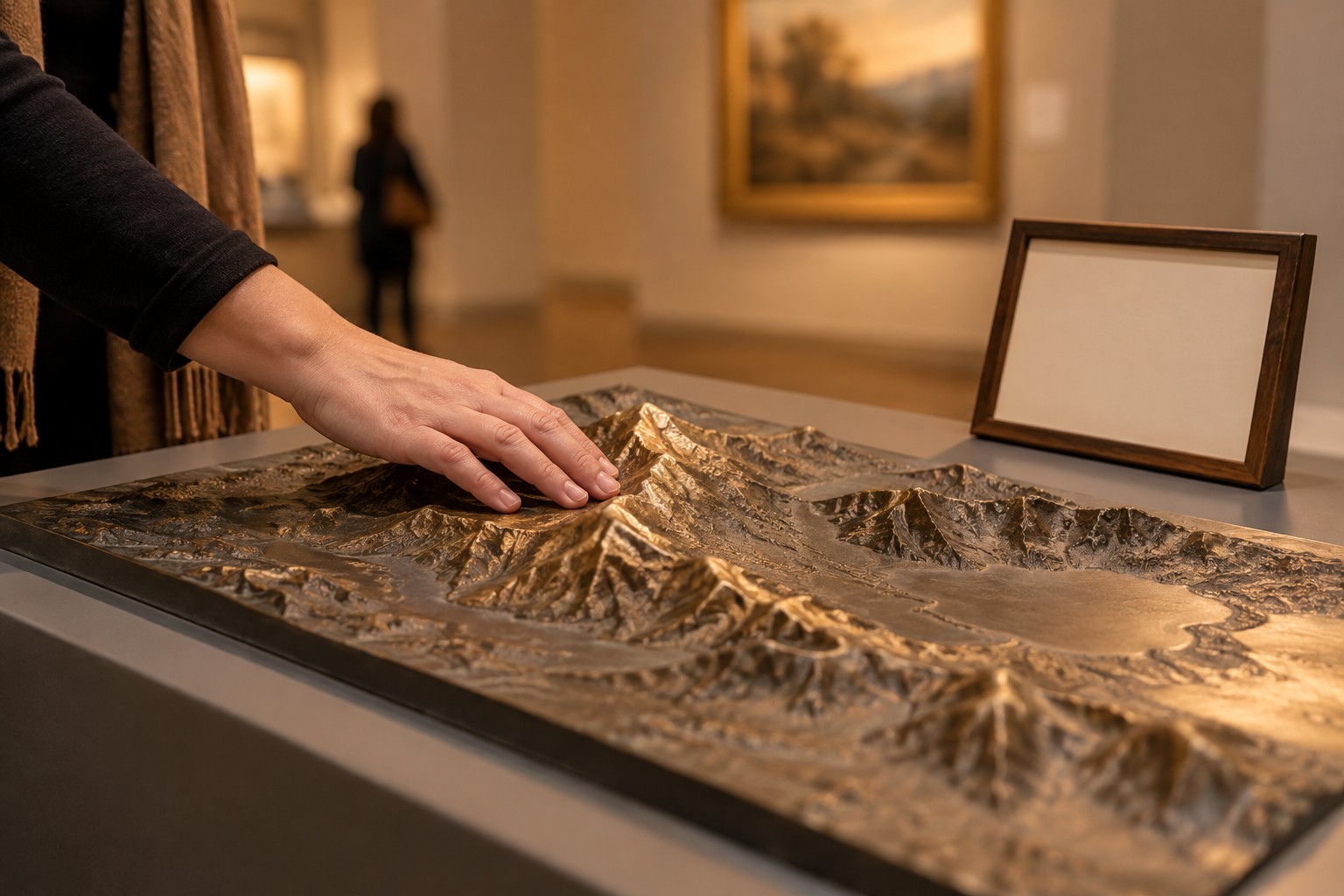
One photograph can serve different roles on different pages. Start alt text by asking what the image is for. LOOK AT THE CONTEXT Choose a catalogue logo, article illustration and button icon. For each, write what someone loses if the image is unavailable. Do not assess the file apart from nearby text and actions. W3C'S DECISION TREE W3C distinguishes informative, functional and decorative images. Informative images need a brief meaningful description; functional ones communicate an action or destination; purely decorative ones can use empty alt. Context determines the choice. EDIT AN EXAMPLE Rather than listing “domain, buy domain, premium,” explain what the image adds. If the same link already contains the name as text, check whether repetition creates unnecessary speech. Put important explanations of complex diagrams in accessible nearby text. CHECK LANGUAGE AND ACCURACY Translations should preserve meaning rather than mechanically copying words. Do not describe an AI illustration as evidence of a real event. Origin disclosure and a useful text alternative solve different problems. When choosing a domain in the catalogue, verify its spelling against the visible listing name. For your own website, keep a table of image, role and alt text. It helps editors and developers agree decisions without promising automatic SEO growth. Image: a new AI photoillustration for this article; a conceptual scene, not a documentary photograph. Domain catalogue: https://domainevery.com/en/domains Primary sources: https://www.w3.org/WAI/tutorials/images/decision-tree/